Independent product
MacPicard
for Mac.
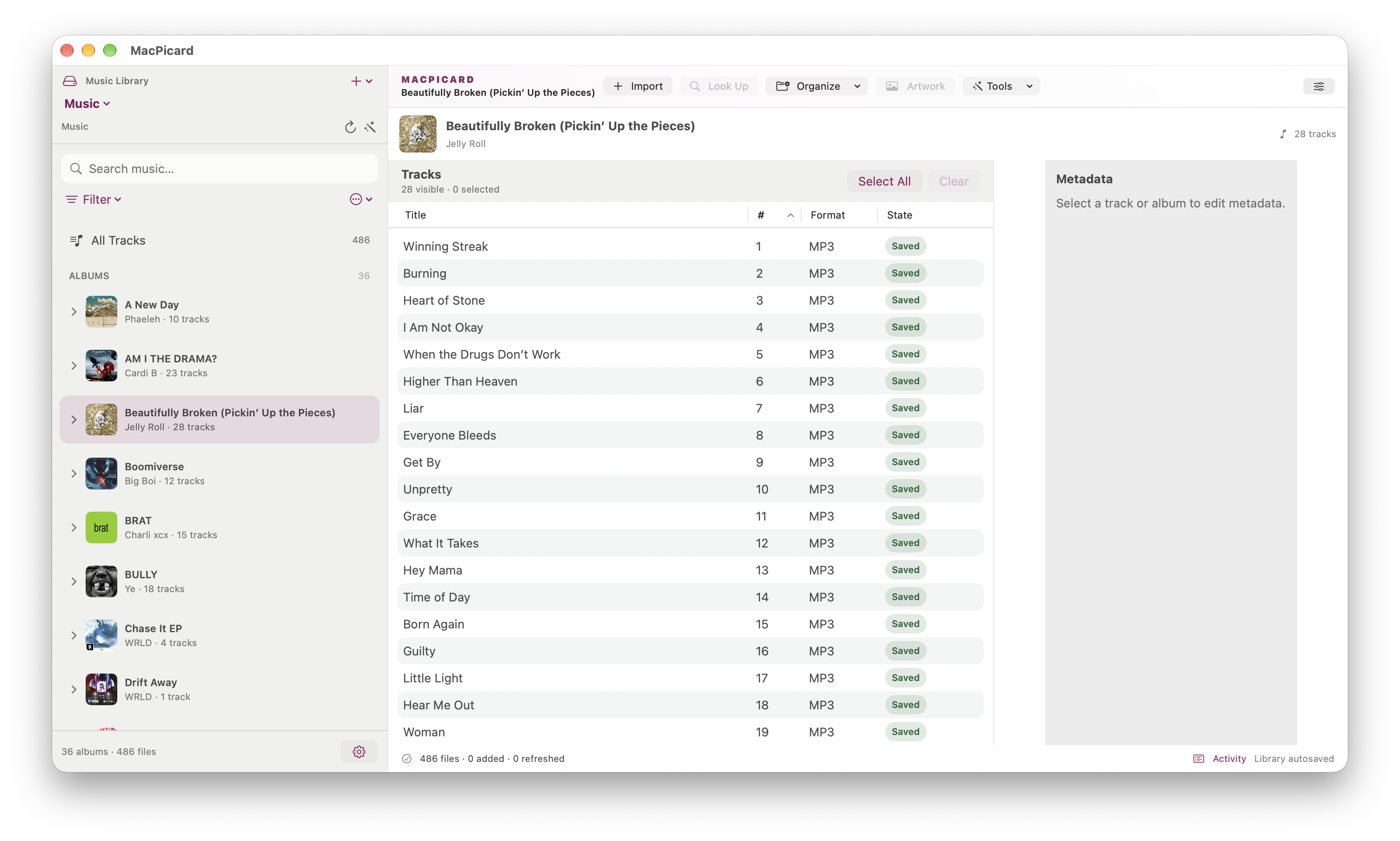
MacPicard is a native macOS app for identifying, editing, and organizing music files with MusicBrainz. Review matches, stage metadata and artwork changes, and preview file moves before saving the result.
What it is
A calmer way to clean up your music library.
MacPicard is a native macOS app for identifying, editing, and organizing music files with MusicBrainz. Review album and track matches, refine metadata and artwork, and preview file organization before saving changes.
- PlatformmacOS 26+
- StatusIn development
- StackSwift 6, SwiftUI
- IdentificationMusicBrainz
Capabilities
Give every track its place.
- 01
Identify albums and tracks with MusicBrainz release matching and built-in audio fingerprinting.
- 02
Review proposed tags, track assignments, and artwork before applying changes.
- 03
Edit metadata and artwork for individual tracks, albums, or full libraries.
- 04
Run Picard-style scripts and preview file organization with collision checks.
- 05
Import music into managed libraries while leaving source files unchanged.
- 06
Play supported audio, search and filter collections, and manage multiple libraries.
An explicit workflow
Review. Stage. Save.
Import music into a managed library while leaving the source files unchanged. Review proposed tags and artwork, stage your edits, and save when the result looks right. File organization previews source and destination paths and never overwrites existing destinations.
Supported formats
Built around your collection.
Work with MP3, FLAC, M4A/MP4, Ogg Vorbis, Ogg Opus, and WAV. Online identification requires an internet connection.
MacPicard is independent and is not affiliated with MusicBrainz or the Picard project.
Follow the project